If you are reading a Prevention Cloud review, you probably met the platform through your job. Many people first see it as a wellness portal that an employer or university asks them to use. They then wonder what it does and whether the app works well.
This article explains what the platform does and how employer programs use it. It also covers what app users report, what the privacy details say and what to check before you sign up. The facts come from the app store listing and employer pages. This review does not rely on hands on testing.
Prevention Cloud Review
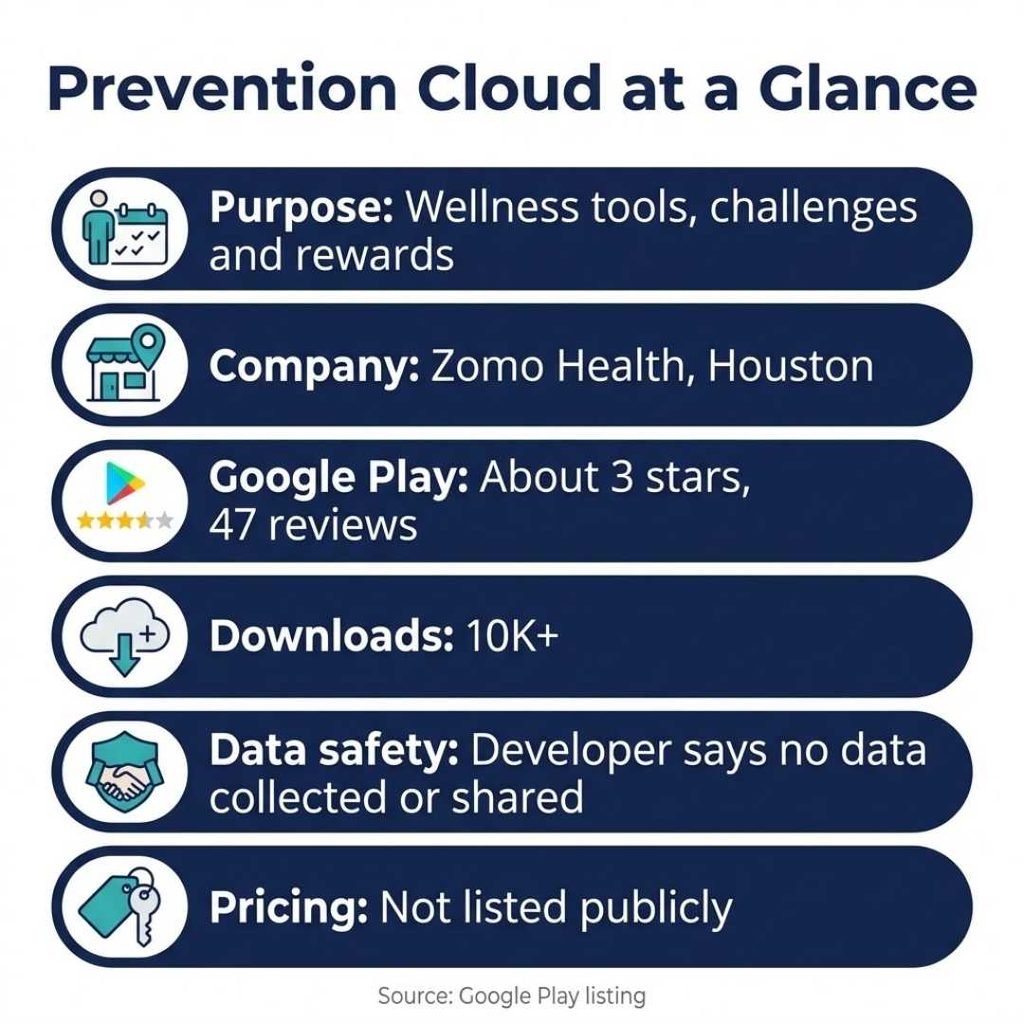
PreventionCloud is a wellness platform with assessments, personalized plans, challenges and rewards. The Android app comes from Zomo Health, LLC in Houston. It holds about a 3 star rating from 47 reviews on Google Play. Users like the concept but report login and sync problems. Rewards, deadlines and paperwork depend on the rules of each employer. Pricing is not listed on the pages reviewed.
Prevention Cloud Facts at a Glance
The table below sums up what the sources support. Each row shows a finding and what it means for you.
| What to check | Verified finding | What it means for users |
|---|---|---|
| Purpose | Wellness tools for tracking, challenges and incentives | Built for health habits, not medical care |
| Company | Listed under Zomo Health, LLC, Houston | Know who runs your program |
| Access | Universities run employee programs on it | Ask HR how to get in |
| Play rating | About 3 stars, 47 reviews, 10K+ downloads | Mixed reception |
| Latest update | Listing shows an update dated Sep 2, 2026 | The app is still maintained |
| Data safety | Developer says no data collected or shared | Developer statement, so read the privacy policy |
| Pricing | Not listed on the pages reviewed | Ask your employer or program manager |
What Is Prevention Cloud?
PreventionCloud is a wellness and engagement platform. One vendor directory describes it as a technology platform for population health management. That phrase sounds technical. It means the tool helps an organization measure the health habits of a group, encourage better habits and track results over time.
Employees use it through a website and a mobile app. The Google Play listing says the app brings planning, tracking and interactive challenges into one place. The developer is Zomo Health, LLC, based in Houston, Texas. University pages also mention a program manager from Zomo Health who supports each wellness program.
The platform is not a medical service. The app listing says data is never used for medical purposes. Think of it as a habit tracker with surveys, points and rewards attached.
Is It the Same as Cloud Security Prevention?
No. Several security companies use similar words for a very different field. Check Point markets prevention focused cloud security tools for applications and networks. Turbot publishes a guide to prevention first cloud security that covers misconfigurations and cloud accounts. A few blog posts also use the name Prevention Cloud for a security framework. Those posts do not point to a clear product or company.
This review covers the wellness platform only. If you searched for cloud security, you will need a different guide.
How Prevention Cloud Works in Employer Programs
Employer programs give the platform its purpose. A company or university signs up, sets the rules and picks the rewards. Employees then complete activities in the portal to earn points.
A Typical Program Flow
The University of Alaska pages show the pattern well. Employees finish an online health risk assessment first. They then complete a biometric screening, which gives them their health numbers. After that they earn extra points through other activities.
The Alaska Example
The university explained its FY23 rules in a wellness program update. Employees needed the assessment, a screening and five more points, for a total of seven, by June 30, 2023. That earned a $600 wellness rebate. A spouse or financially interdependent partner who met the same rules doubled it to $1,200. Twelve points also entered people in a high point raffle.
The same update shows how points can work. Each webinar quiz was worth half a point, for two points in total. Preventive screenings could earn up to five points. The university also dropped an older rule that required four webinars for a single point.
Screening Options and Support
Another university page lists three ways to finish a screening. Employees can use a physician visit form, attend an onsite event in Anchorage or Fairbanks or download a lab voucher. The lab sends the results to PreventionCloud about two weeks after the visit. Employees can log in with single sign on, while spouses use separate PreventionCloud credentials.
These details come from one employer. Your own program may differ in every way.
Main Features of Prevention Cloud
The Google Play listing groups the app into several tools. Each one supports habit building rather than treatment.
- Lifestyle assessment: Self assessment tools prompt you to reflect on your routine.
- Personalized plans: Plans fit your needs and track your achievements.
- Challenges and incentives: You join challenges and earn rewards for staying active.
- Daily tracking: You log habits such as sleep or hydration plus body metrics like height and weight.
- Wellbeing and fitness: You get relaxation tools and guided workout videos.
- Events, quizzes and chat: You join programs, take quizzes and ask questions inside the app.
Step Tracking With Health Connect
You can connect Google Health Connect if you want. The app then reads your step count only with your explicit consent. It shows daily totals, tracks progress in challenges and displays activity trends. Access is read only. The listing says the app does not read heart rate, sleep stages or calories. You can revoke permission at any time.
What Users Say About the App
Google Play shows a rating of about 3 out of 5 from 47 reviews. The app has more than 10,000 downloads. A small review count means a few angry posts can move the score. Even so, the written reviews on the page share a clear pattern.
Login Trouble
A reviewer in October 2025 could not log in. That person said username retrieval and password reset emails never arrived. The reviewer also found no way to create an account. The post describes the help link as a plain email address with no confirmation of receipt. The problems affected both the web and app versions.
Feature and Sync Complaints
A 2023 reviewer loved the concept but said the Challenges link in the app menu did nothing. That user said the website worked well, so the app was the weak spot. A 2021 reviewer reported that the app did not sync with Garmin devices. The reviewer added that the suggested workaround through third party apps had stopped working. Eight people marked that review as helpful.
Updates From the Developer
The listing shows an update dated September 2, 2026. The notes mention better Events performance, fewer loading problems, an improved login experience and fixes for reported crashes. These notes suggest the developer knows about the login and stability complaints. Newer reviews will show whether the fixes work.
Program Level Complaints
Some complaints target program rules instead of the software. One employee comment on a University of Alaska Fairbanks news page criticized a new process. The writer said staff now had to collect and submit optometrist, dental and physician visit packets to earn points. In the past, points appeared with no extra paperwork. The comment also asked why a simple explanation of benefits could not serve as proof. It mentioned a missing immunization link too.
How to Read These Reviews
App store reviews lean toward people who hit a problem. Users who log in without trouble rarely write a post. The reviews also span 2021 to 2025, and the app has changed since then. Treat them as warning signs to test, not final verdicts.
Privacy and Data Questions
Health data deserves care. The Google Play data safety section says the developer shares no data with third parties and collects no data. The developer supplied that information. Treat it as a claim, not an audit.
The same listing describes optional step count access through Health Connect. Google Play also marks the app as one where users interact and share location. The listing does not explain how these labels fit together. That gap is a good reason to read the privacy policy, which the listing links.
Employer paths can involve forms as well. One university page requires a HIPAA release form so a doctor can send records to PreventionCloud. Read each form before you sign it. Look for who can see your results, how long records stay and how to request deletion.
Common Misunderstandings About Prevention Cloud
It is not a security product. The name matches cloud security terms, but the app and employer pages describe a wellness service.
It is not a medical service. The listing says the app does not use data for medical purposes. Talk to a doctor about any health concern.
Points are not universal. Alaska required seven points in FY23. Another employer may use a different scale, different deadlines and different rewards.
The app and website may not match. One reviewer said the website worked while the app menu failed. Try both if one gives you trouble.
How Prevention Cloud Compares With Other Wellness Portals
Employers choose from many wellness tools. North Idaho College, for example, uses the Vitality portal. Its page says employees earn points through exercise, online education and preventive appointments. They use the portal through a website or mobile app. The page also says a third party partner decides screening credit, so the college does not see screening details.
The PDRMA agency runs a program called PATH. It offers an online portal, year round activities and team challenges. Participants earn points that convert to cash each quarter.
These programs look similar on paper. Each one mixes screenings, points and rewards. The difference comes from employer rules and the quality of the app. This review cannot rank them, because the pages reviewed do not compare them directly.
What the Public Pages Do Not Show
Some questions remain open. The pages reviewed do not list a public price. They do not include an independent audit of privacy practices. They also show only a small set of app store reviews. Employer pages explain their own rules, but they do not explain how the platform stores data behind the scenes.
Ask your HR team or program manager for answers before you depend on the service. Their replies will tell you more than any public listing.
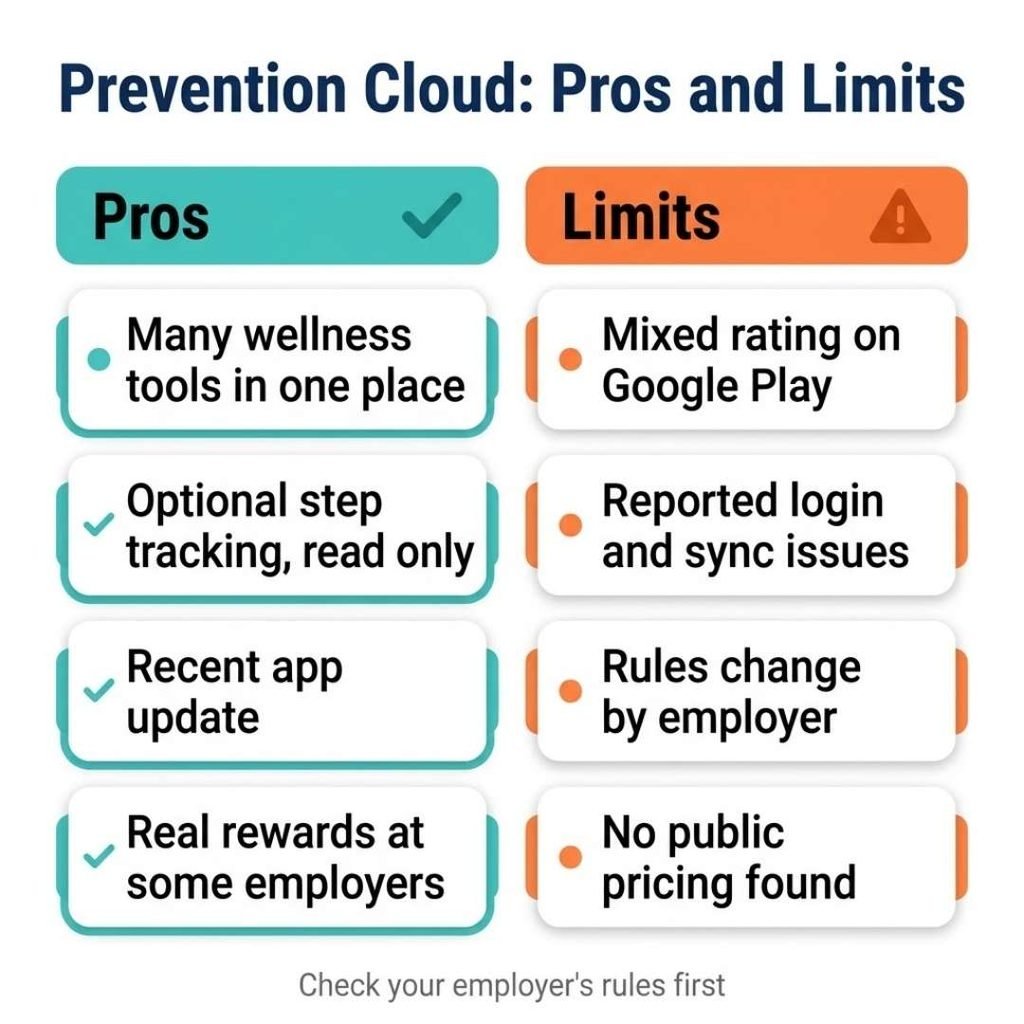
Pros and Limits of Prevention Cloud
Pros
- Wide range of wellness tools in one place
- Optional step tracking with read only access
- Recent app update that targets crashes and login
- Real rewards at some employers, such as a $600 rebate
- A named program manager at some universities
Limits
- Mixed rating of about 3 stars on Google Play
- Reported login and sync problems
- Rules and paperwork that change by employer
- No public pricing found on the pages reviewed
Who Prevention Cloud May Suit
The platform fits employees whose organization already runs a program on it. If your employer offers a rebate or raffle, the portal is where you earn it. In that case the app is a convenience. One reviewer said the website worked well when the app did not.
It suits people who enjoy challenges, quizzes and points. It may not suit someone who wants a standalone fitness app, because the pages reviewed show employer run programs. People who want advanced device syncing should ask about supported devices first. Spouses and partners may also use it, since the Alaska pages describe separate logins for them.
What to Check Before You Use Prevention Cloud
A little planning prevents most of the problems users describe. Ask HR for the program deadline and the exact point rules. Test your login early so you have time to get help. Reviews mention missing reset emails, so check your spam folder and save the support address from the listing.
Keep copies of every form you submit, including physician and lab forms. Check whether your fitness device syncs before you rely on it for a challenge. Finally, read the privacy policy and the data labels on the app page.
If something goes wrong, contact your program manager first. The Alaska pages name a dedicated manager for the program. That suggests employers can escalate problems for you.
Prevention Cloud FAQs
What is Prevention Cloud?
It is a wellness platform with assessments, challenges, tracking and rewards. Employers and universities use it to run health programs for staff.
Is the Prevention Cloud app free?
Pricing is not listed on the pages reviewed. They show employer run programs, so ask your HR team how access works.
Does Prevention Cloud work with Garmin?
A 2021 Google Play review reported no Garmin sync. Current support is unclear, so ask your program manager before relying on it.
Can I log in without an employer account?
One 2025 reviewer found no way to create an account. Programs appear tied to employers, so contact your program manager or support.
Does Prevention Cloud share my data?
Google Play shows the developer declaring no data collected or shared. That is a developer statement, so read the privacy policy for details.
Final Thoughts on Prevention Cloud
Prevention Cloud looks like a useful wellness tool when your employer runs a program on it. Its features cover assessments, challenges and tracking. Users report login and sync trouble, and rules differ by employer. Check your deadlines, test your login early and read the privacy policy before you share health details.
Pingback: Antivirus Reedoor2.4.6.8: Is It Real? Safety Check (2026) - Centowise
Pingback: Tech Feedbuzzard Review: What the Website Offers in 2026 - Centowise
Pingback: Fix Huzoxhu4.f6q5-3d Bug: What Is Known and What to Do - Centowise